

Published
A private lobby lets you test damage on Roshan without sitting through a full match. The spawned unit works well for checking attacks and spells, but it doesn’t copy every mechanic of the real boss fight.
The spawned unit appears near the cursor or at the selected test position. An enemy unit can take damage from the chosen hero.
Current method
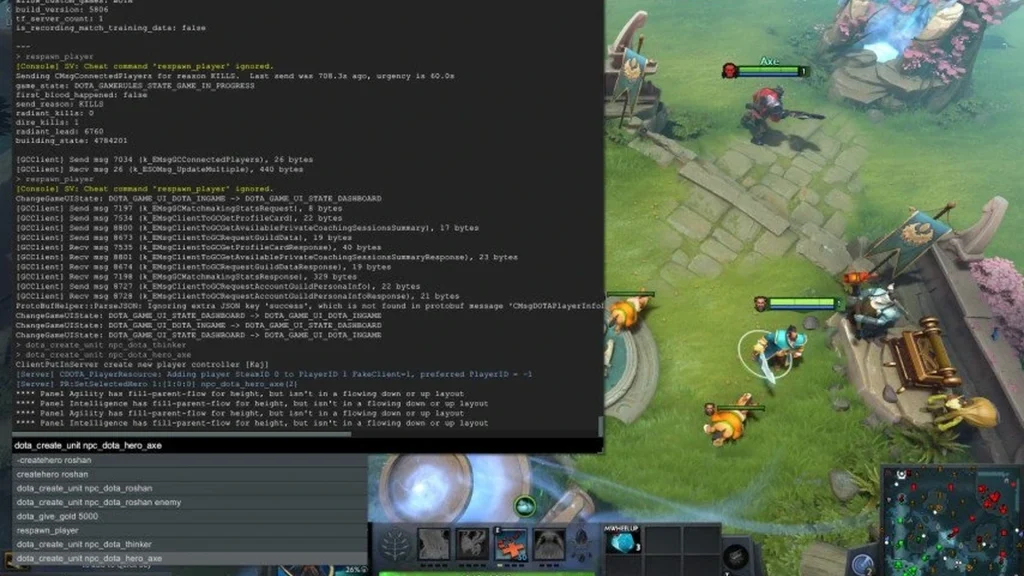
Open a private lobby, turn on cheats, and start the standard Dota map. Before typing any command, move the selected hero to an open test area.
Type -createhero roshan enemy in team chat to spawn an enemy Roshan. Use -createhero roshan only when you need an allied test unit.
Run -refresh between attempts, and delete any extra test units before starting a new run. Keep the hero’s level, items, and Roshan’s position identical across every comparison.
Confirm the result
Count a fixed number of attacks rather than judging from a single critical hit. Log armor changes, attack modifiers, and how long the test takes.
When you need to study rewards, day and night movement, lair rules, or the real respawn timer, run a separate test at the natural pit.
Common pitfalls
The command only works with lobby cheats enabled. A regular bot match or public match will reject it.
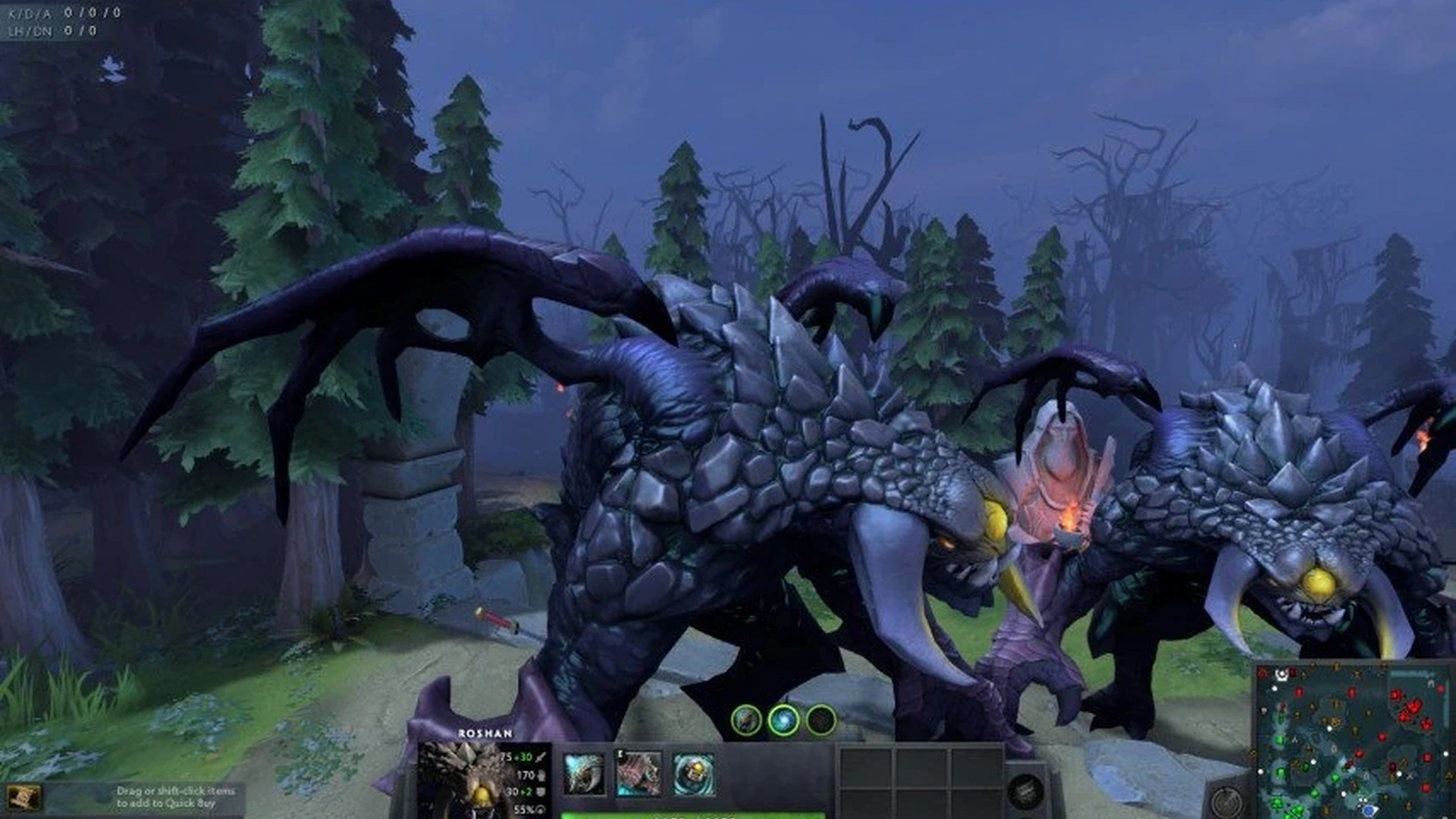
A spawned Roshan is a test dummy, not a full stand-in for the live objective. Don’t rely on it to verify every drop or map interaction.
Patches can change internal commands. If the unit doesn’t show up, restart the client and try a fresh standard lobby before editing the command.
Last check before a normal game
Run the method one more time in a new private lobby and check the visible outcome. Then switch every temporary setting back to its usual value. This quick pass keeps a practice command or test setting from carrying over into your next ranked game.
Menus and internal commands may shift after an update. If the current client lacks an option described here, use the visible alternative rather than loading an old file or command. This post stays a draft until an editor verifies the current interface before it goes live.
Comments (0)