
Published
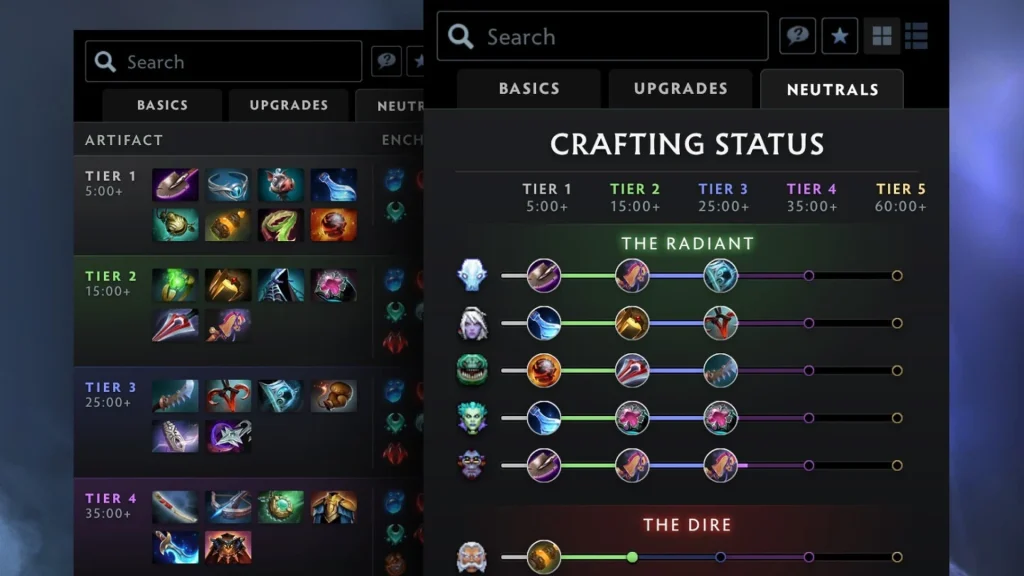
Neutral items are easy to test in a private Dota 2 lobby. Patch 7.41 reworked the neutral item system, so the testing approach changed with it. Testing now centres on Madstones and enchantments, which means many older item commands no longer behave as they used to.
The steps below cover the current approach and keep every command inside a private practice match. Cheats entered in lobbies have no effect in ranked or casual matchmaking and cannot alter a public game.
Setting up a private lobby with cheats turned on
Launch Dota 2, go to Play, pick Custom Lobbies, then hit Create. Stick with the standard Dota map unless your test calls for a custom setup. Before the match begins, open the lobby settings, switch cheats on, and bring in bots only if your test needs them.
Start the lobby and pick your hero, then wait for the map to finish loading. The chat commands in this guide only work with the lobby cheat option active. If a command gets rejected, exit the match and check that cheats were on before the lobby launched.
Demo hero sessions accept plenty of practice commands too, but a full lobby serves better when you want standard lanes, neutral camps, two full teams, or an accurate game clock.
Testing the current neutral system with Madstones
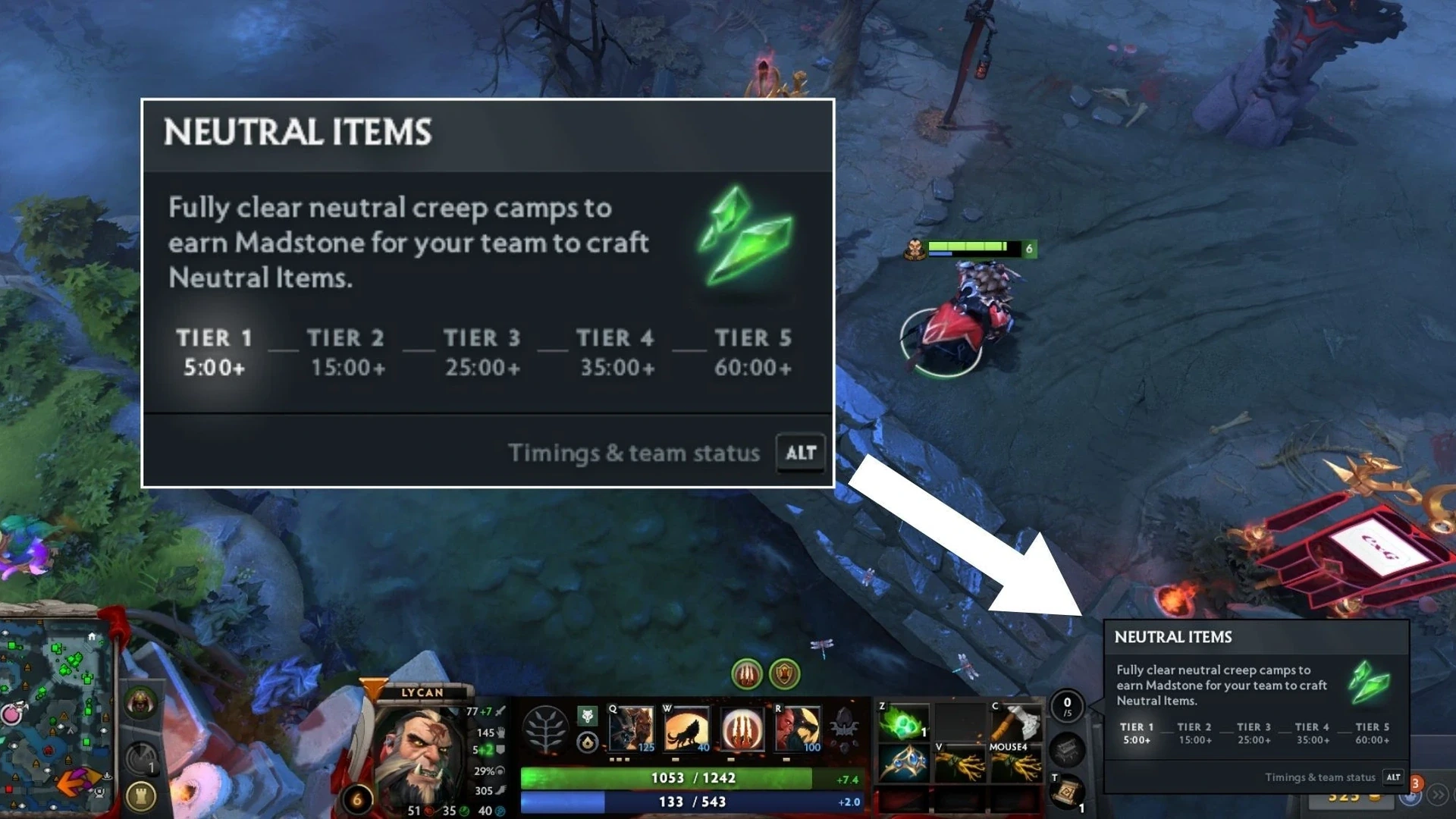
Neutral rewards have been tested differently since patch 7.41. The most reliable shortcut right now is the chat command -item madstone, typed without quotation marks. Run it again whenever you want extra rolls or need to compare several options.
When the lobby accepts it, the command drops the practice item into your inventory. Pick the item and whichever enchantment is available through the standard neutral item interface. That mirrors the live system far better than trying to force a particular old neutral item by its name.
Older guides often suggest commands like -item item_apex. Those may fail, spawn a legacy object, or bypass the current enchantment step. For patch 7.41 and newer, start with Madstones.
Handy commands for a controlled test
Add -gold 99999 if the build also requires regular shop purchases. -lvlup 29 takes a level-one hero straight to level 30. -wtf strips mana costs and most cooldowns, and -unwtf brings normal rules back. Together they make repeated damage tests much quicker to run.
-spawnneutrals respawns neutral camps in lobbies that support it. -startgame skips ahead past the preparation phase. -teleport sends the selected hero to wherever the cursor is, provided the lobby allows that cheat.
Alter only one variable per run. When comparing neutral options, hold hero, level, enemy armor, and regular items constant. Otherwise the damage numbers could shift for reasons unrelated to the neutral item.
| Purpose | Command | Result |
|---|---|---|
| Bring up the current neutral item choices | -item madstone |
Grants a Madstone for neutral item tests |
| Grant gold | -gold 99999 |
Supplies gold for a full build |
| Level up the hero | -lvlup 29 |
Takes a level-one hero to level 30 |
| Strip cooldowns | -wtf |
Allows repeated spell and item tests |
| Bring back standard rules | -unwtf |
Turns off the WTF practice mode |
Verifying enchantments and hero attributes
In the 7.41 system, portions of the enchantment pool are tied to hero attributes. Choices offered on one hero might differ on another, so run the check again using the hero who will actually carry the item in a match.
Log the neutral item name, enchantment, hero level, facet, and standard inventory. Next, run the same spell or attack several times. Repeated trials give you a comparison rather than a single damage figure.
Illusions, summons, attack modifiers, and percentage bonuses can respond differently, so test each one on its own. With an active neutral item, look at cast range, targeting rules, cooldown, and whether the effect is interrupted when the hero takes damage.
Troubleshooting lobby issues
If -item madstone has no effect, make sure the command starts with a hyphen and was typed into team chat. Also confirm you’re in a private lobby or demo session, since public matches ignore cheat commands.
A full inventory will block the command, so move or sell another item first. If an older item name doesn’t work, that doesn’t mean it’s gone from the live game. Internal names and the neutral system both shift between patches.
Restart the lobby after any major update. A session opened before the patch may hold outdated data. For the most trustworthy results, use a fresh client, a new lobby, and the live patch.
Comments (0)