

Published
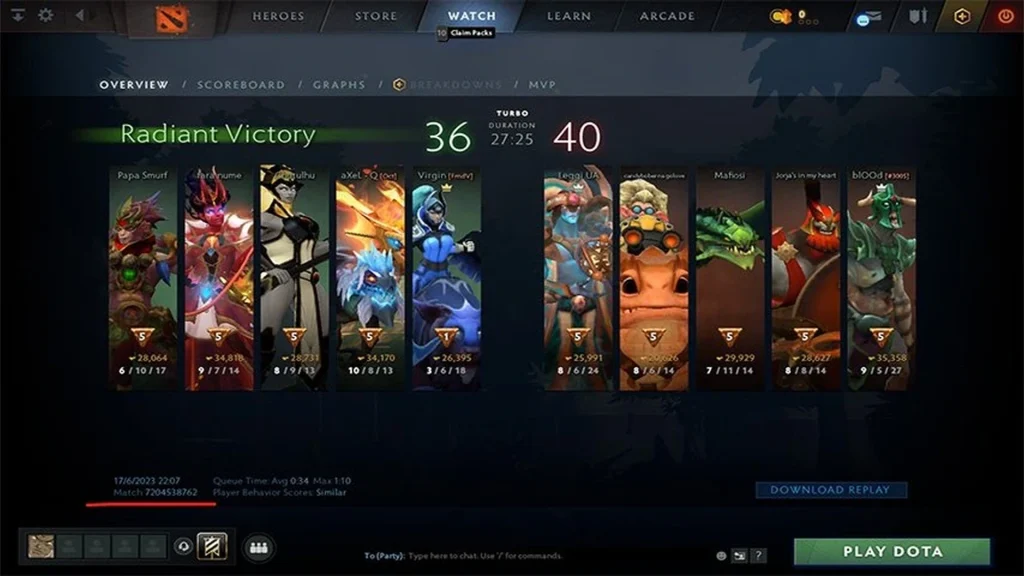
Every finished Dota 2 match has a numeric match ID. It points to that specific game when you download a replay, pull up statistics, or file a support report. Don’t confuse it with a Steam account ID, a friend code, or a lobby password.
When you open the scoreboard, it should list the same ten players and show the same final result. If it does, you have the right ID.
Follow the up-to-date steps
Go to the post-match screen or your recent match history. Pick the game and note the numeric ID in its details.
If the client still keeps the replay, paste that number into the replay or Watch search. Public match IDs also work on third-party analysis sites.
Copy only the digits, with no spaces or extra characters. When you report a problem, record the player’s name and the rough time of the game separately.
Confirm it worked
A replay can expire once its storage period ends, but the match ID stays valid even after the file is deleted.
For account issues, supply whichever Steam ID or friend code the service asks for. A match ID is never a substitute.
Watch out for common issues
Keep private account details out of support tickets. Include only the identifiers the case actually requires.
Brand-new matches can take a while to show up on a third-party parser, so check the Dota client first.
A custom lobby may have a match ID but expose little public data. Privacy and parsing rules still apply to it.
Last check before a standard game
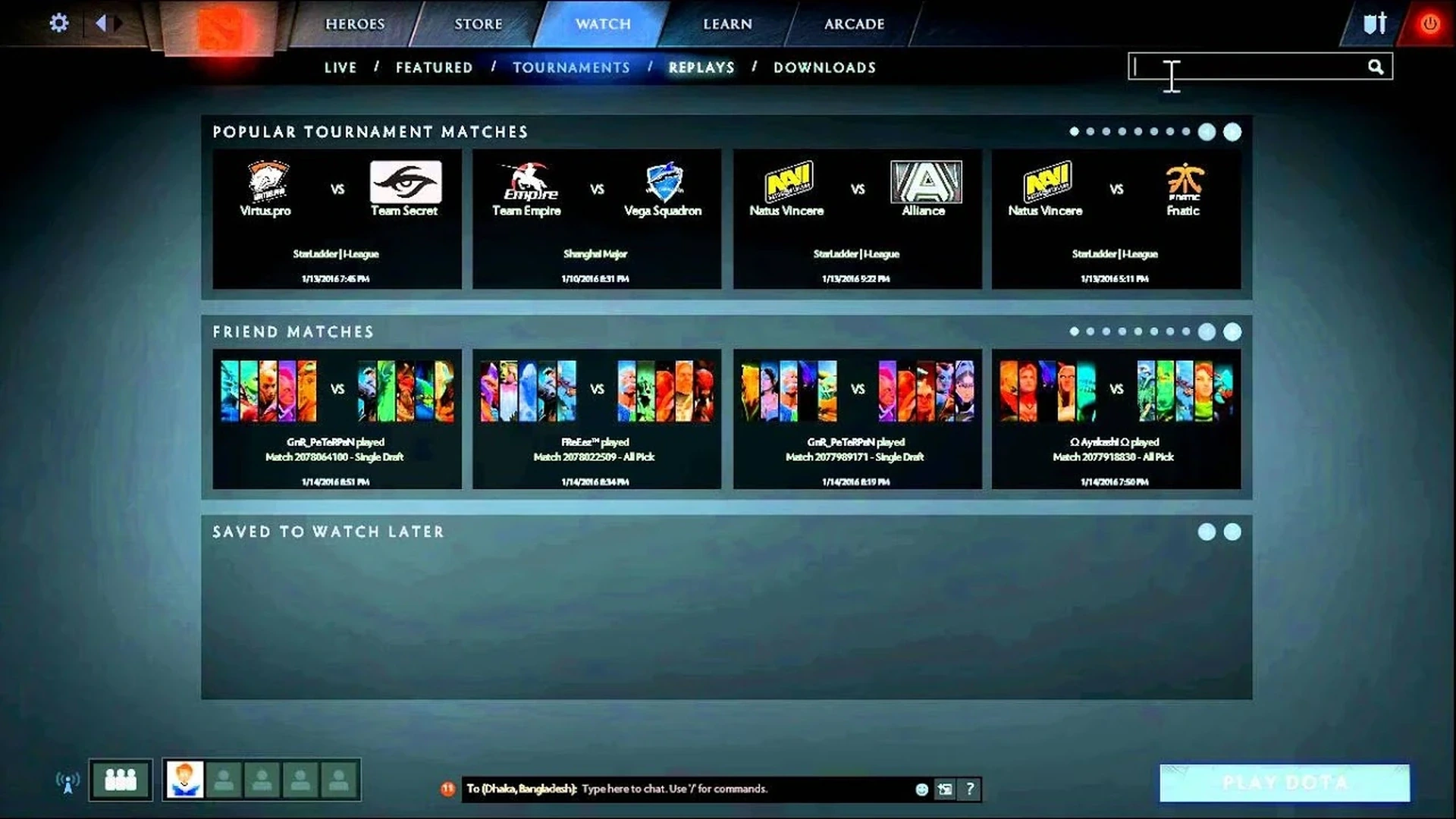
Run through the steps once more in a new private lobby. Verify the displayed result, then reset every temporary setting to its usual value. This quick check keeps a practice command or test setting from carrying over into your next regular match.
Menus and console commands may shift after a patch. If the current client lacks an option described here, use the visible equivalent rather than forcing an outdated file or command. This post stays in draft so an editor can verify the live interface before it goes out.
Comments (0)