

Published
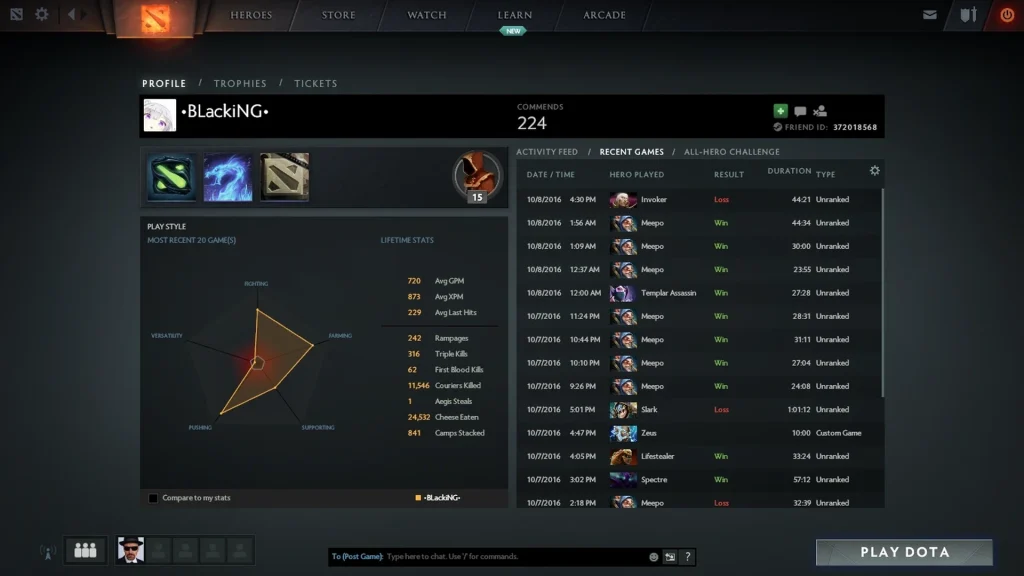
Dota 2 relies on more than one kind of identifier. A Match ID points to a single finished game. A Steam ID names an account. The Friend ID visible in Dota is a shorter account number that players use to add each other in the client.
Pick the right number before you share anything. Support requests about one match require the Match ID, while friend invitations usually rely on the Friend ID. Keep passwords, login codes, recovery codes, and Steam Guard confirmations to yourself.
Find the Match ID after a game
Go to your Dota profile and click Match History or Recent Games. Pick the game you need. The overview screen lists a long numeric Match ID, typically beside the match details.
Copy the full number with no spaces. Check the hero, result, duration, and start time before you send it, since two games played back to back can look alike in a short list.
The post-game screen repeats the Match ID in its details section. If you plan to report a bug, grab a screenshot, because the match may drop off the recent list later.
Search for a replay by Match ID
Head to Watch, then Replays. Enter the Match ID in the search box and confirm. When the replay is still on record, the client opens the match page with a download button.
Replays do not stay available indefinitely. A Match ID keeps identifying a game even after its replay download has expired. Tournament matches and very high MMR matches may also face access limits under the current rules.
When the match shows up but the replay won’t download, try again later. Replays from recent tournaments need time to be processed. Avoid any unfamiliar executable that promises to restore a replay.
| Identifier | What it points to | Where to look |
|---|---|---|
Match ID |
A single finished Dota 2 match | Post-game details or Match History |
Friend ID |
A Dota account used for friend invites | Dota profile and the Add Friend panel |
SteamID64 |
A Steam account | Numeric Steam profile URL |
Lobby ID |
A short-lived game lobby | Lobby info before or while playing |
Find your Dota Friend ID
Launch the Dota profile panel and select Add Friend. Your Friend ID appears close to the search or invite box. It exists specifically for friend requests in Dota.
Share the Friend ID with whoever is adding you. Before accepting, check the account name and avatar. Look-alike display names don’t confirm who is behind the account.
A Friend ID isn’t a password, yet it still points to your account. Only post it publicly if you’re fine getting requests from strangers.
Find the Steam profile ID
Open Steam, go to your profile page, and copy its address. A default profile URL carries the 64-bit Steam ID as a number. A custom URL replaces that number with a name you picked.
Steam account pages and developer tools can show other account formats. These are related, yet not always swappable. Some sites specifically want a SteamID64, an account ID, or a Dota Friend ID.
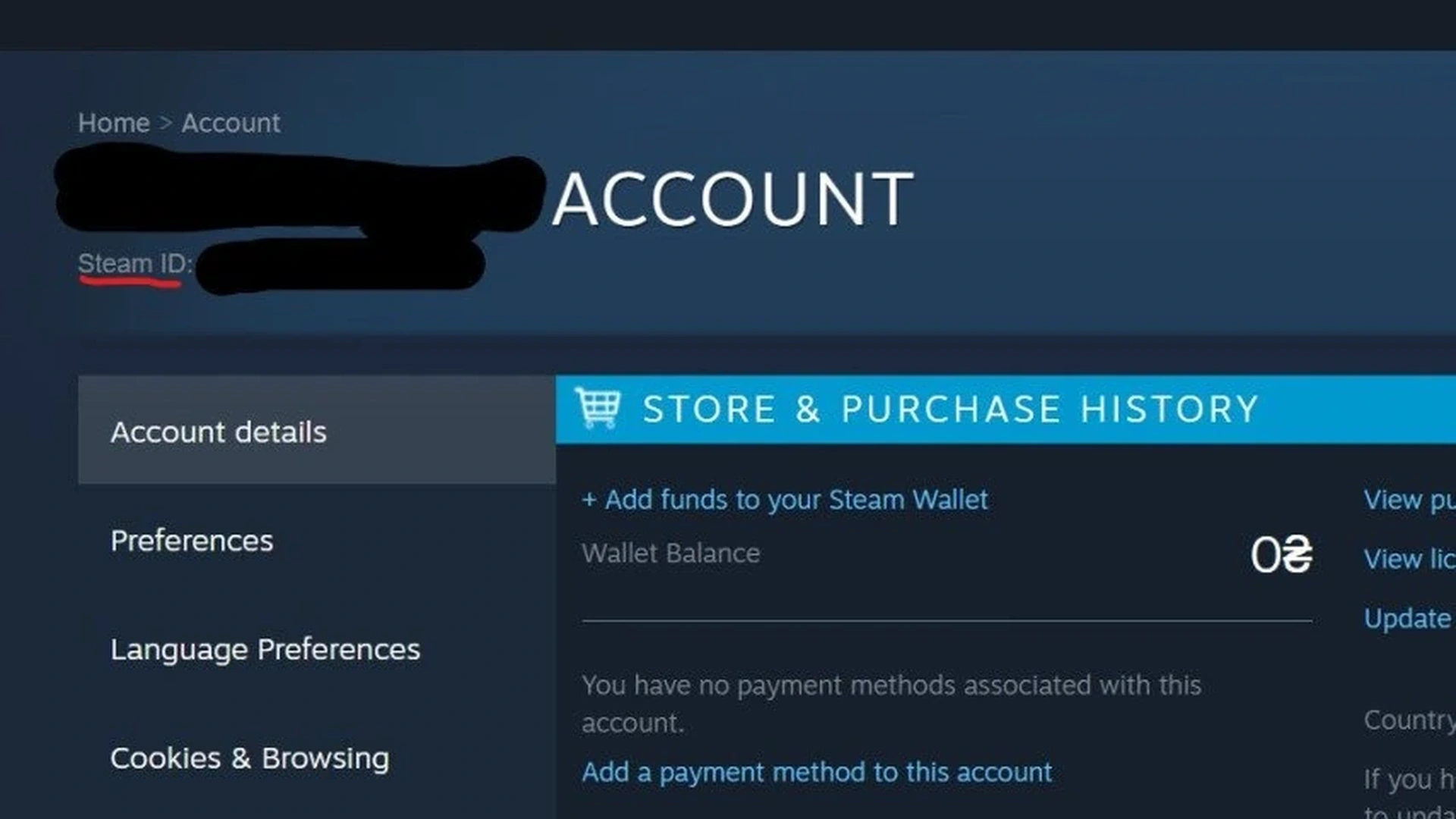
Only use reputable services when typing in a profile identifier. A Steam login page should load on an official Steam domain. Don’t put Steam Guard codes into any random stats site.
Running Match IDs through statistics tools
A stats service can break down a public match as long as the necessary data exists. Enter the Match ID in the match search box, not the player search. The results may include picks, item timings, objectives, and other logged events.
Privacy settings on a profile can restrict its match history. Immortal-level games above the current protected threshold may be missing from public history and web APIs. A missing result doesn’t mean the Match ID is incorrect.
A useful bug report lists the Match ID, patch version, game time, hero, and a brief note on the event. A replay link alone gives much less to work with.
Avoid common ID mistakes
Don’t mix up a lobby ID with the Match ID of a finished game. Lobbies are temporary, whereas a match gets its own lasting number once it is created.
Never trim digits just because the number seems long. Paste it as plain text. If a form refuses it, check whether it wants a Match ID instead of a SteamID64.
Treat account security and public identifiers as separate matters. Valve support has no need for your password or Steam Guard code to look up a Match ID.
Comments (0)