

Published
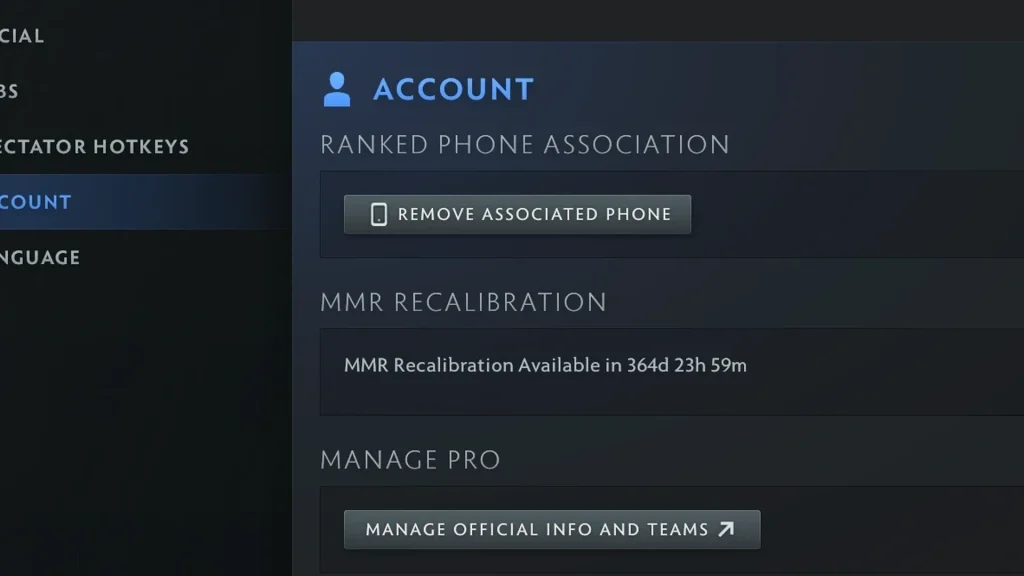
Recalibration prompts matchmaking to re-evaluate an account whose current rating is held with less certainty. It does not guarantee a fixed number of bonus matches or a better medal. Your client will show whether the option can be used.
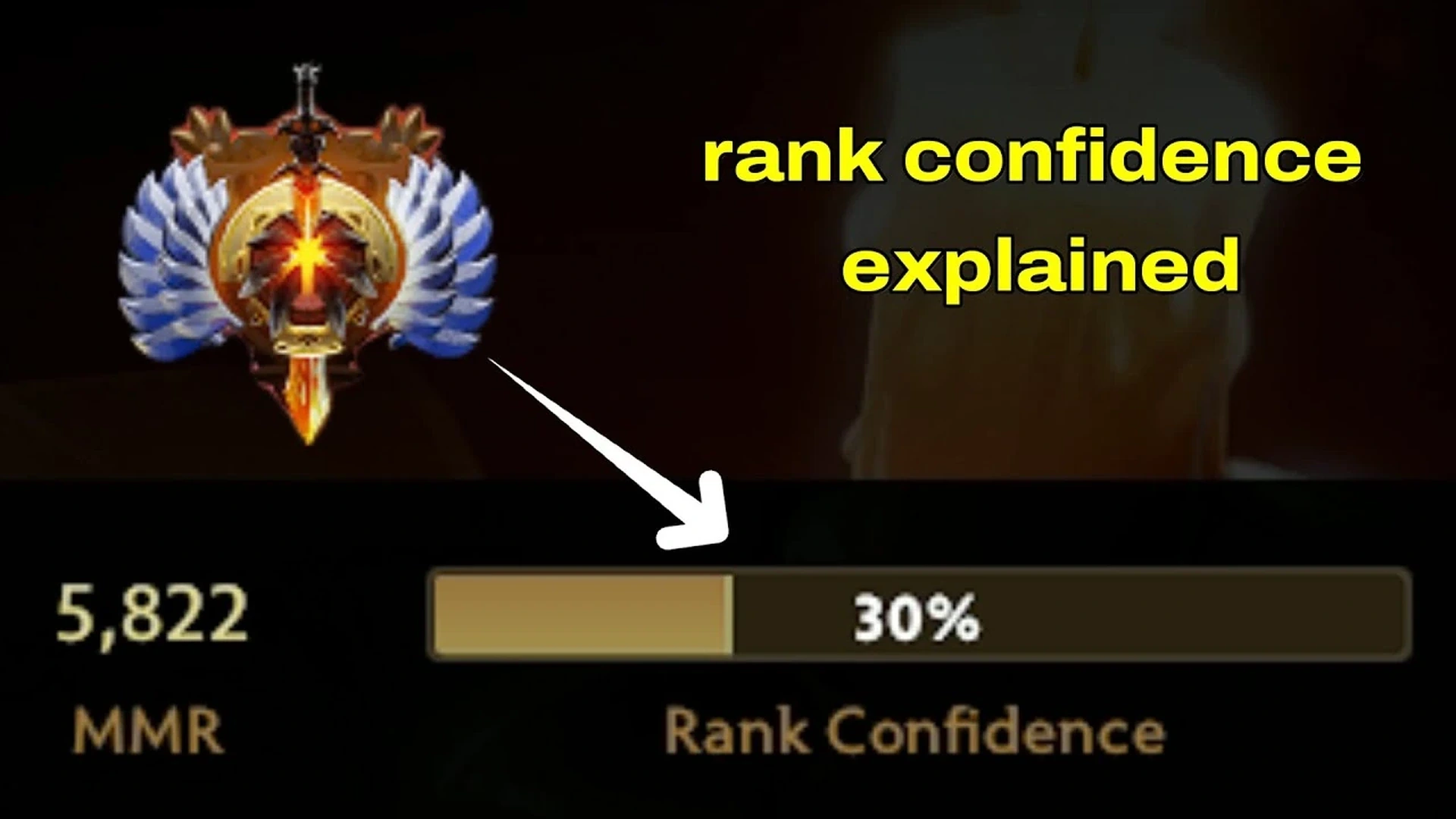
After every game, keep an eye on Rank Confidence and MMR side by side. Swings may be bigger while confidence remains low.
Follow the up-to-date steps
Head into the ranked account settings and go through the recalibration notice before you turn it on. Skip any outdated seasonal timetable you may have seen.
Only switch it on if the client presents the option and you plan to finish ranked games. There may be a cooldown, or the option may be available only some of the time.
Stick with your usual roles and heroes instead of chasing odd stats. Win-loss results and the system’s confidence carry more weight than any single number on screen.
Confirm the result
Your medal might change only once the underlying rating passes a certain line. Community medal charts are approximations, not fixed Valve cutoffs.
Judge the outcome over multiple games. A single match won’t reveal where a recalibration period is heading.
Steer clear of frequent pitfalls
Recalibration has no effect on behavior restrictions or account bans, since those follow their own rules.
Never hire someone to finish the process for you. Sharing your account puts both its security and your matchmaking standing at risk.
If your account doesn’t qualify, the button simply won’t appear. No console command exists that safely forces a server-side recalibration.
Last check before regular play
Run through the steps once more in a new private lobby. Verify what appears on screen, then reset every temporary setting to its usual value. This quick pass keeps a practice command or test control from carrying over into your next regular match.
Menus and internal commands may shift after a patch. If your current client lacks an option described here, use whatever replacement it shows rather than forcing an outdated file or command. This article stays in draft so an editor can verify the current interface before it goes live.
Comments (0)